Skip to content
SSmart Findsand Services

Category

Electronics & Gadgets

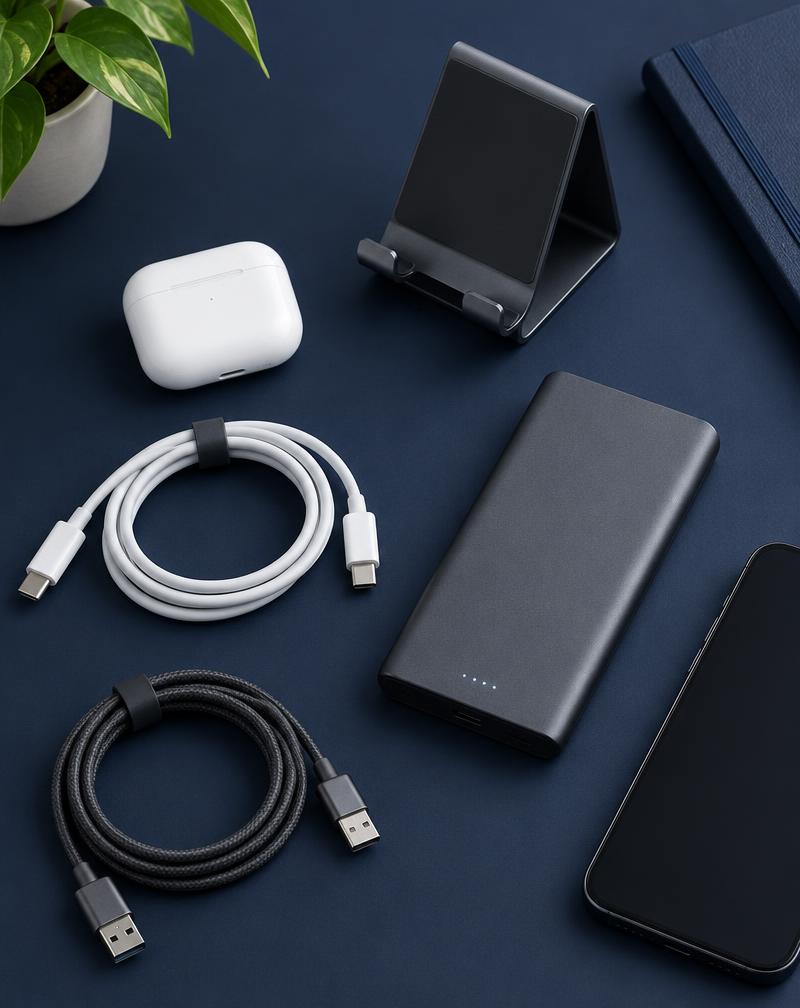
Good tech accessories disappear into your routine: the charger that is always where you need it, the stand that keeps your phone at eye level during video calls, the cable organizer that ends the daily tangle.

Our electronics coverage focuses on useful, compatible and sensibly designed gadgets — not specs for their own sake. We explain what to check so you can match a product to the devices you already own.

What to check before buying any tech accessory

Compatibility is the most common source of disappointment with electronics accessories. A few minutes of checking avoids most returns.

  • Connector type (USB-C, Lightning, USB-A) and supported charging standards
  • Wattage or power output relative to your device
  • Safety certifications listed by the seller
  • Warranty terms and support from the manufacturer

Smart home gadgets: start small

If you are new to smart home devices, begin with one room and one ecosystem. Smart plugs and lighting are common starting points because they are simple to set up and easy to undo.

Electronics & Gadgets Finds Worth Considering

Multi-Device Charging Station — illustrative Electronics & Gadgets image
Electronics & Gadgets

Multi-Device Charging Station

A single hub that charges a phone, earbuds and other small devices at once.

Main benefit: Reduces cable clutter and gives devices one consistent home.

May be useful for: Households with several devices and shared nightstands or entryways.

Product link coming soonDetails

Adjustable Desktop Phone Stand — illustrative Electronics & Gadgets image
Electronics & Gadgets

Adjustable Desktop Phone Stand

A compact stand that holds a phone or small tablet at a comfortable viewing angle.

Main benefit: Hands-free video calls, recipes and notifications at eye level.

May be useful for: Remote workers, students and home cooks.

Product link coming soonDetails

Related Guides

Frequently Asked Questions

How do I know if a charger is compatible with my phone?

Check your device's supported charging standard and connector type in the manufacturer's documentation, then confirm the charger's listed output and connector match.

Are smart home gadgets difficult to set up?

Many are designed for app-based setup in a few minutes, but requirements vary. Check whether a device needs a hub and which voice assistants or apps it supports.

Do you test every gadget you mention?

We do not claim hands-on testing unless a page specifically says so. Our recommendations are editorial and based on research into features, compatibility and use cases.

Related Categories

Looking for something else? Browse all product finds.