Productivity Tools for Working From Home
Ergonomics, lighting and planning tools that can make a home workday more comfortable and focused.
By the Smart Finds and Services editorial team ·
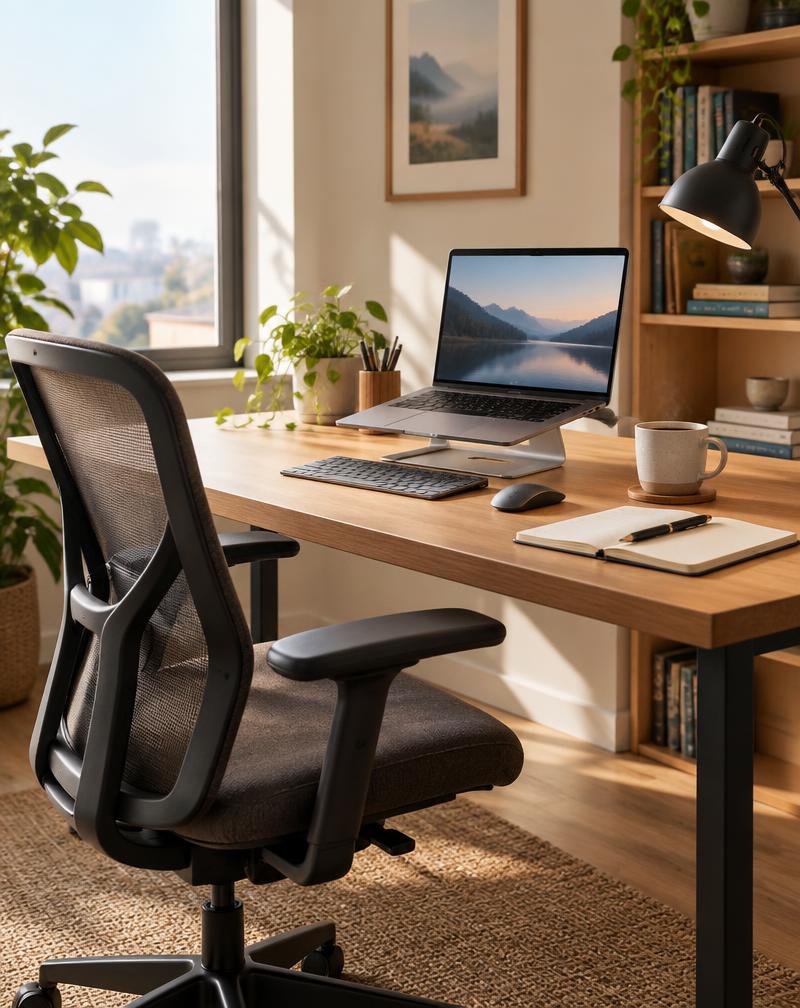
Working from home gives you control over your environment — which means small choices about your desk, chair, lighting and tools add up quickly.
This guide covers productivity tools for remote work, including a side-by-side look at two common ways to raise a laptop screen.
Who this guide is for
Remote and hybrid workers, freelancers and students building a home workspace.
What to consider before buying
- Prioritize comfort and posture before gadgets
- Measure your desk and available space
- Consider how often you move between rooms or locations
- Check compatibility with your laptop or monitor
Set up for comfort
Position the top of your screen at or slightly below eye level, keep wrists neutral while typing and make sure your feet are supported. A laptop stand with an external keyboard is a simple way to get closer to this setup.
Light your workspace well
Natural light is ideal, but a dimmable desk lamp helps on darker days and in the evening. Position lights to reduce glare on your screen.
Sound and video
A headset or external microphone can make calls clearer, especially in shared spaces. Raising your camera to eye level often improves how you appear on video.
Plan your day
A paper planner or a simple digital task list helps separate work time from home time. Choose one system and stick with it for a few weeks before switching.
Comparison
| Consideration | Laptop stand | Standing desk converter |
|---|---|---|
| Main purpose | Raises laptop screen height | Lets you switch between sitting and standing |
| Footprint | Small, often portable | Larger, sits on top of desk |
| Best paired with | External keyboard and mouse | Anti-fatigue mat when standing |
| Portability | Many fold flat for travel | Generally stays in one place |
| Good fit for | Small desks, hybrid workers | Dedicated home offices |
Laptop stand
Pros
- Compact and often portable
- Simple setup
Cons
- Requires a separate keyboard for best posture
- No standing option
Standing desk converter
Pros
- Supports sit-stand routines
- Room for monitor and keyboard
Cons
- Takes more desk space
- Heavier to move
Recommendations worth considering
Adjustable laptop stand
Raises the screen closer to eye level in a small footprint. May be useful for: Hybrid workers. See this find
Dimmable LED desk lamp
Adjustable task lighting for any time of day. May be useful for: Rooms with little natural light. See this find
Desktop file organizer
Keeps paperwork in a clear workflow. May be useful for: Freelancers and small businesses. See this find
Frequently Asked Questions
What do I need for a home office?
A comfortable chair, a desk at the right height, a screen at eye level, a keyboard and mouse, good lighting and a reliable internet connection.
Is a laptop stand or a standing desk converter better?
It depends on your space and goals. A laptop stand is compact and portable; a converter supports sitting and standing but needs more room.
How can I stay productive working from home?
Keep a consistent routine, a dedicated workspace and a simple task list, and take regular breaks.
Final considerations
Productivity at home starts with comfort and a dedicated workspace. Choose tools that fit your space and habits, and upgrade gradually as you learn what you need.
Explore more ideas in our Career & Productivity category.
Finds from this guide
Adjustable Laptop Stand
A stand that raises a laptop screen closer to eye level.
Main benefit: Supports a more comfortable posture when paired with an external keyboard.
May be useful for: Remote workers and students who use laptops for long periods.
Dimmable LED Desk Lamp
A desk lamp with adjustable brightness and color temperature.
Main benefit: Better task lighting for reading, writing and evening work.
May be useful for: Home offices with limited natural light.
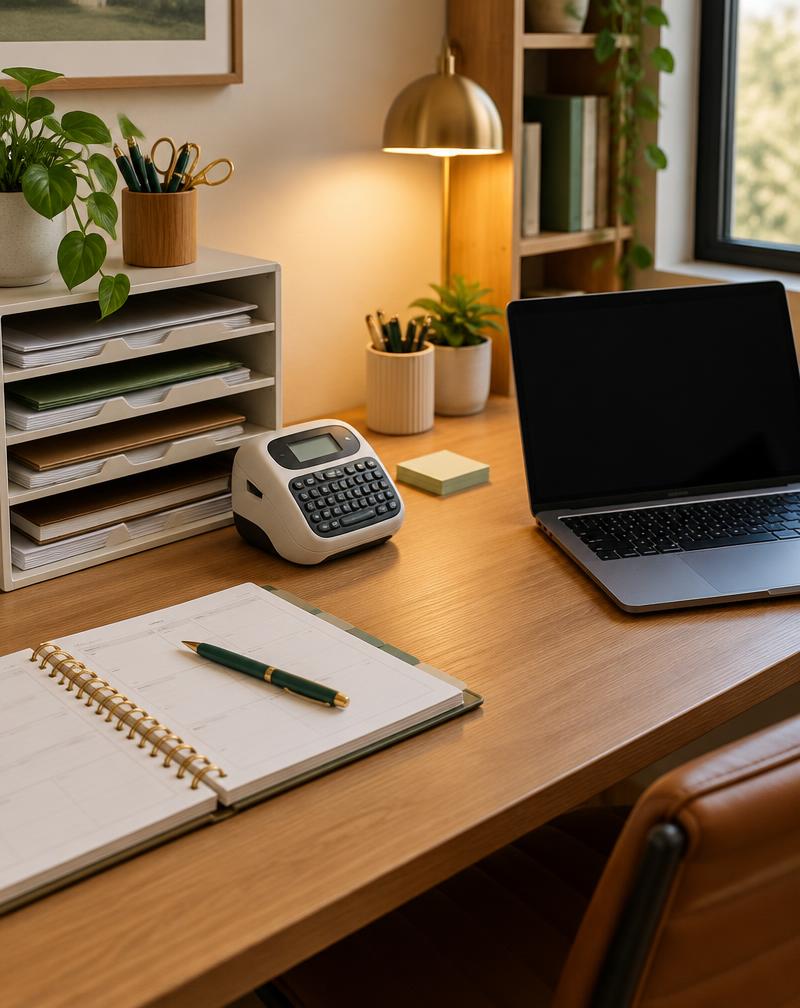
Desktop File and Document Organizer
A tiered organizer for incoming papers, active projects and completed work.
Main benefit: Gives paperwork a clear flow and frees up desk space.
May be useful for: Small business owners, freelancers and home offices.
Related guides
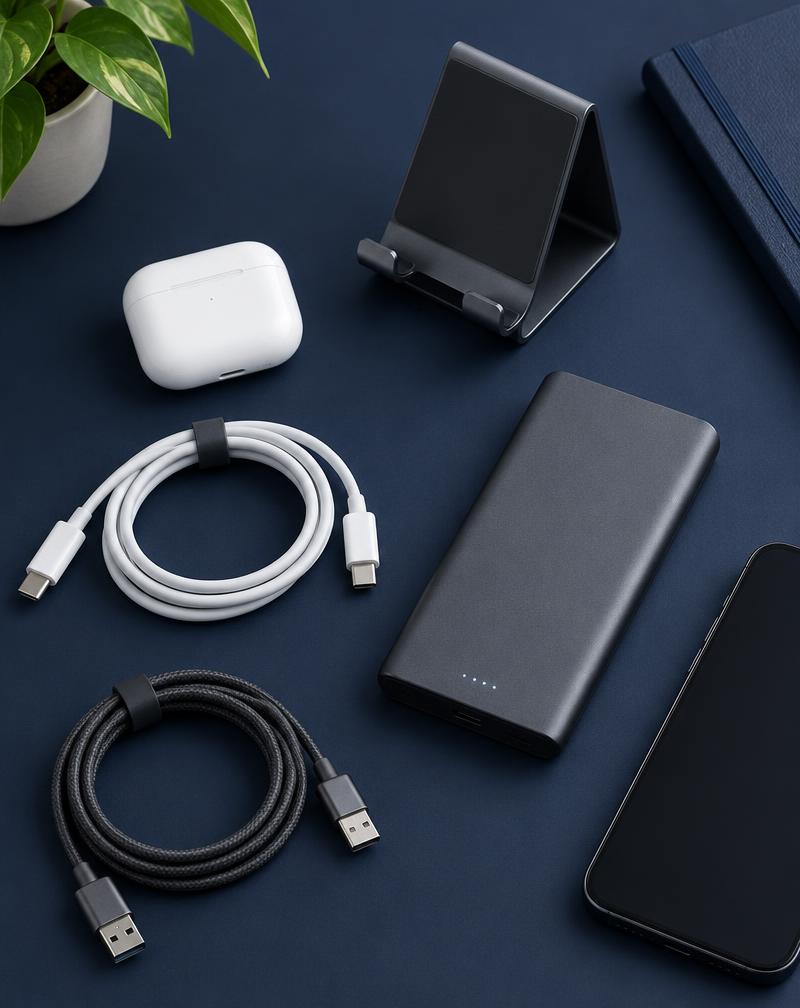
Practical Tech Accessories for Everyday Productivity
The right chargers, stands and cable fixes can make your devices easier to live with every day.
Read More
Smart Home Organization Ideas for Small Spaces
Small spaces can feel calm and spacious with the right systems. Here are organization ideas that actually last.
Read More
Practical Gift Ideas for Different Occasions
Thoughtful, useful gift ideas for cooks, drivers, remote workers, pet lovers and more.
Read More